Transcript365 vs Clideo: Best AI Transcription Tool for Social Media Creators 2026
Is a dedicated transcription tool better than an all-in-one video editor for your social media workflow? While multi-purpose platforms sound convenient, specialized tools often deliver faster speed, better accuracy, and more features tailored to content creators.
If you’re choosing between Transcript365 and Clideo for your 2026 content strategy, this unbiased comparison breaks down every critical difference in accuracy, language support, workflow, pricing, and ideal use cases.
Quick Comparison Overview
| Category | Transcript365 | Clideo |
|---|---|---|
| Core Focus | ✅ Dedicated social media short video transcription & subtitles | ✅ All-in-one video editing (transcription as add-on) |
| Language Support | ✅ 100+ languages & dialects (consistent native accuracy) | ✅ 74+ languages (uneven accuracy across languages) |
| Turnaround Time | ✅ 3–10 seconds per short video | ✅ Minutes per file |
| AI Accuracy | ✅ Verified 96%+ across all languages | ☑️ Unverified, no public accuracy data |
| Social Media Integration | ✅ Native link transcription for 6+ platforms | ☑️ File upload only (no link support) |
| Browser Extension | ✅ Chrome & Edge one-click extraction | ☑️ No transcription browser extension |
| Subtitle Tools | ✅ Full styling + AI automatic shot change sync | ✅ Basic styling only |
| Pricing Model | ✅ Pay-per-video, no subscriptions | ✅ Subscription-only ($9/month) |
| Free Tier | ✅ 5 free credits/week + free TikTok transcription forever | ✅ Limited free plan with watermarks |
| Credit Validity | ✅ Permanent (expired credits reactivate with any purchase) | ☑️ Tied to monthly subscription |
What is Transcript365?
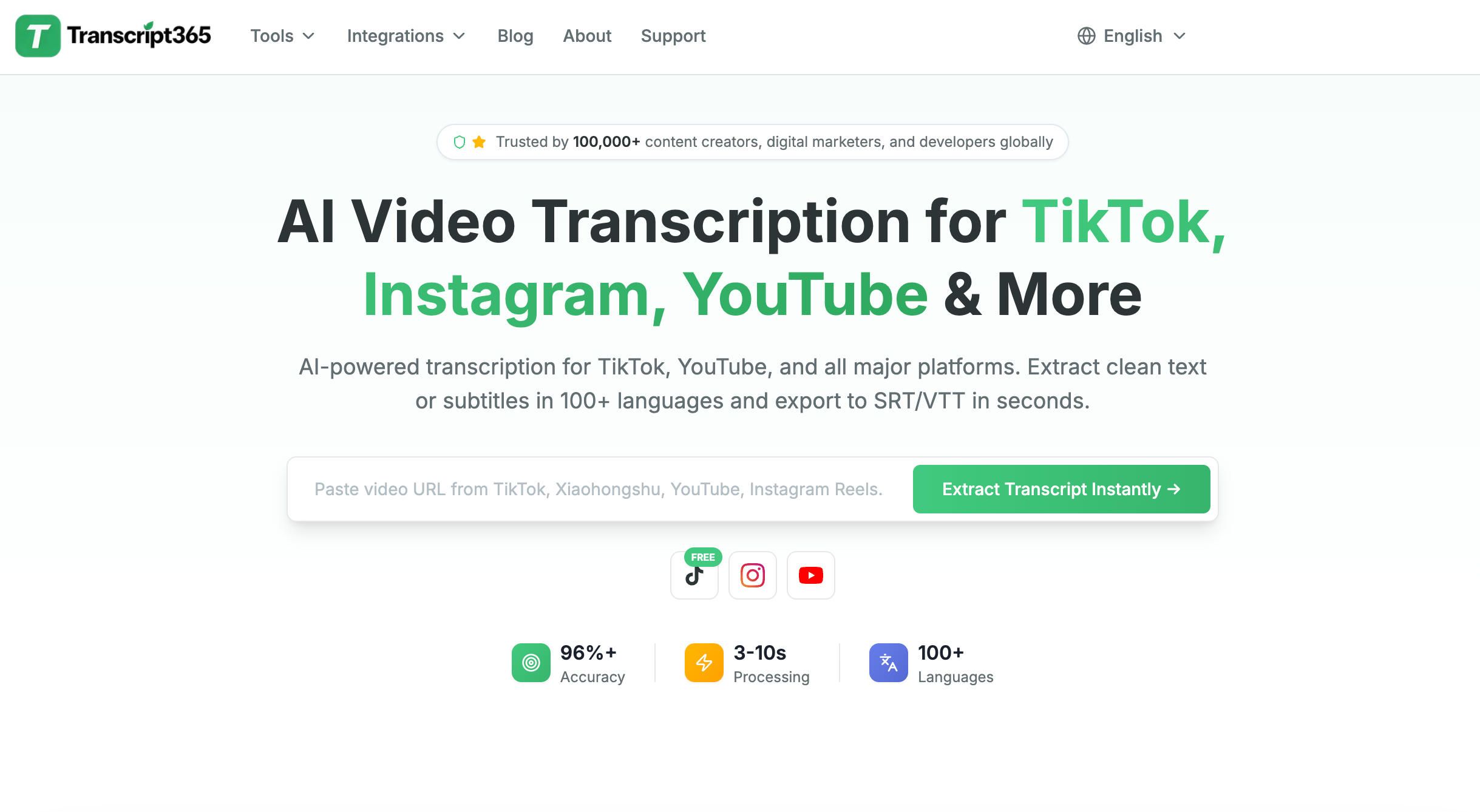 Launched in 2026, Transcript365 is the leading AI-powered short video transcription platform built exclusively for social media creators. It natively supports TikTok, YouTube, Instagram, Facebook, X (Twitter), and Xiaohongshu — the world’s most popular short-form video platforms.
Trusted by 100,000+ global users including media teams, journalists, researchers, content creators, and educators, Transcript365 operates on a 100% AI-only model. We do not offer human proofreading, manual transcription, or human subtitle editing. All speech recognition, transcription, and subtitle generation are powered by our advanced proprietary AI engine optimized specifically for social media audio.
Our platform is designed for zero-friction speed: simply copy and paste a video link, and get a fully formatted transcript and perfectly synced subtitles in 3–10 seconds. We also offer Chrome and Edge browser extensions for one-click transcript extraction without ever leaving your social media feed.
Standout Features
- AI transcription in 100+ languages and dialects
- Industry-leading 3–10 second turnaround for short videos
- Verified 96%+ accuracy across all supported languages
- Link-based transcription — no file downloads or uploads required
- Chrome & Edge browser extensions for seamless in-browser workflow
- Intuitive web editor with live video and subtitle preview
- Full customizable subtitle styling (font, size, color, position, weight)
- AI-powered automatic subtitle sync with shot change detection
- Auto speaker labeling and timestamping
- Export to TXT, SRT, and WebVTT formats
- 5 free credits per week for all registered users
- 100% free TikTok transcription (no credits consumed, through December 31, 2026)
- Pay-as-you-go pricing with no subscriptions, no monthly fees, no hidden costs
- Permanent credit validity (expired credits instantly reactivate with any new purchase)
Transcript365 helps creators save hours of manual work, repurpose content faster, and reach global audiences with high-quality multilingual subtitles.
What is Clideo?
Clideo is a popular all-in-one video editing platform that offers basic transcription, translation, and subtitling as secondary features. Its core strengths include simple video cuts, merging, cropping, and basic effects for individual users.
While Clideo is convenient for quick video edits, its transcription and subtitle tools are not optimized for professional social media content production. They lack advanced features, have inconsistent accuracy, and feel like afterthoughts to the platform’s primary video editing functionality.
Key Differences: Transcript365 vs Clideo
1. User Experience & Workflow
Transcript365: Creator-First, Zero-Friction UX
Transcript365 is built from the ground up for social media creators, eliminating every unnecessary step in the transcription process:
- One-click link transcription: Copy a video URL from any supported platform, paste it, and get results in 3–10 seconds
- Browser extensions: Extract transcripts directly while browsing TikTok, YouTube, or Instagram
- Interactive side-by-side editor: Edit transcripts and subtitles while watching your video in real time
- Automatic speaker labeling: Identifies different speakers and tags them with timestamps
- AI subtitle sync: Automatically aligns subtitles with video shot changes
- Full subtitle styling controls: Match your brand’s aesthetic with customizable font, size, color, and position
- Organized project management: Keep all your transcripts sorted and accessible in one place
Clideo: Editing-First, Clunky Transcription UX
Clideo’s interface is designed for video editing, which makes transcription feel like an afterthought:
- No link-based transcription — you must download and upload video files manually
- No browser extensions for in-platform social media workflow
- Transcription features are buried deep in menus, making them hard to find
- No dedicated text-based transcription editor — transcripts are only available as downloadable TXT files
- No interactive side-by-side editing with video playback
- No AI assistant, proofreading helper, or automatic speaker labeling
2. Accuracy & Performance
Transcript365: Verified, Consistent Accuracy
Transcript365 delivers verified 96%+ accuracy across all 100+ supported languages. Our AI model is trained daily on thousands of hours of social media content, including diverse accents, background noise, and fast-paced speaking styles common in short-form video.
Key accuracy benefits:
- Optimized specifically for social media audio environments
- Consistent performance across all languages and dialects
- Automatic punctuation, capitalization, and paragraph formatting
- No human intervention required — results are instant and reliable
Clideo: Unverified, Inconsistent Accuracy
Clideo does not publish any verified accuracy rates for its transcription or translation tools. Since these are secondary features, the platform does not invest heavily in optimizing or testing them.
Users frequently report:
- Inconsistent accuracy across different languages and accents
- Poor performance with background noise or fast speech
- No glossary feature to improve consistency for brand names or terminology
- No public information about model training or updates
3. Language Support
Transcript365: Global Language Coverage
Transcript365 supports 100+ languages and dialects, covering nearly all major and many minor languages spoken worldwide. We explicitly support regional dialects including Cantonese, Swiss German, and various forms of Spanish and Portuguese.
Additional language features:
- Native transcription for all supported languages (not just translation from English)
- Side-by-side original and translated text editing
- AI-powered subtitle syncing for all languages
Clideo: Limited, Uneven Language Support
Clideo supports 74+ languages for transcription and translation, but accuracy varies dramatically. The platform explicitly states it focuses primarily on English, French, Spanish, and German, with significantly lower quality for other languages.
Key limitations:
- No verified accuracy rates for any language
- No side-by-side translation editing
- No automatic subtitle syncing for translated content
- No localization features for accessibility compliance
Language Coverage Comparison
| Language | Transcript365 | Clideo |
|---|---|---|
| English | ✅ Yes | ✅ Yes |
| Mandarin Chinese | ✅ Yes | ✅ Yes |
| Cantonese | ✅ Yes | ✅ Yes |
| Hindi | ✅ Yes | ✅ Yes |
| Spanish | ✅ Yes | ✅ Yes |
| French | ✅ Yes | ✅ Yes |
| Arabic | ✅ Yes | ✅ Yes |
| Bengali | ✅ Yes | ✅ Yes |
| Russian | ✅ Yes | ✅ Yes |
| Portuguese | ✅ Yes | ✅ Yes |
| Urdu | ✅ Yes | ✅ Yes |
| German | ✅ Yes | ✅ Yes |
| Japanese | ✅ Yes | ✅ Yes |
| Swiss German | ✅ Yes | ✅ Yes |
| Telugu | ✅ Yes | ✅ Yes |
| Tamil | ✅ Yes | ✅ Yes |
| Vietnamese | ✅ Yes | ✅ Yes |
| Turkish | ✅ Yes | ✅ Yes |
4. Collaboration & Team Features
Transcript365: Lightweight Team Collaboration
Transcript365 offers simple, effective collaboration tools for small teams and content groups:
- Share project access with team members
- Leave comments and annotations on transcripts
- Track edit history for accountability
- Organize projects into folders for easy management
Clideo: No Collaboration Features
Clideo is designed exclusively for individual use and does not support any team collaboration:
- No file sharing or multi-user access
- No commenting or annotation tools
- No edit history tracking
- No folder organization for projects
5. Security & Privacy
Transcript365: Privacy-First AI Security
At Transcript365, your data privacy is our top priority. Our 100% AI-only model means no human ever has access to your videos or transcripts — a level of security that human-powered transcription services cannot match.
Key security features:
- All data transfers encrypted with HTTPS/TLS 1.3
- Secure cloud storage with user-controlled file deletion
- No human access to any user content
- Secure browser extension permissions
- No third-party data sharing
Clideo: Partial Security Compliance
Clideo is GDPR compliant but lacks critical security certifications required for professional business use:
- GDPR compliant
- Not SOC 2 Type 2 compliant
- No single sign-on (SSO) login option
- Limited information about data retention and protection policies
6. Pricing
Transcript365: Transparent, Creator-Friendly Pricing
Transcript365 uses a simple pay-per-video pricing model with no subscriptions, no monthly fees, and no hidden costs. You only pay for what you use, and credits never truly expire.
| Plan | Price | Credits | Cost Per Credit | Best For |
|---|---|---|---|---|
| Free | $0 | 5 credits/week | $0 | Casual users |
| Starter | $4.9 | 120 | $0.0408 | Beginners |
| Basic | $9.9 | 300 | $0.0330 | Individual creators |
| Popular | $19.9 | 800 | $0.0249 | Most users (35% off) |
| Advanced | $39.9 | 2,000 | $0.0199 | Small teams (51% off) |
| Pro | $99 | 6,000 | $0.0165 | MCNs (60% off) |
| Business | $199 | 15,000 | $0.0132 | Agencies (67% off) |
| Ultimate | $399 | 40,000 | $0.0099 | Enterprise (75% off) |
Exclusive 2026 Offer: TikTok transcription is 100% free for all users through December 31, 2026. No credits are consumed for any TikTok video.
Clideo: Subscription-Only Pricing
Clideo uses a subscription-only pricing model with no pay-as-you-go option:
- Free: Limited features with watermarks
- Pro: $9 per month (or $6/month annually)
While Clideo’s monthly price appears low, it only includes basic features and requires an ongoing subscription, making it more expensive than Transcript365 for most creators in the long run.
7. Best Use Cases
Transcript365: Ideal For
- Social media creators producing short-form content for TikTok, YouTube Shorts, Instagram Reels, and more
- MCNs and content agencies needing bulk transcription and subtitles
- Journalists and researchers extracting quotes from video interviews
- Educators creating accessible short-form course content
- Marketers repurposing video content into blogs, social posts, and newsletters
- Anyone who needs fast, accurate, AI-only transcription without human intervention
Clideo: Ideal For
- Individual users needing basic video editing for personal projects
- Creators who only need occasional, simple transcription for non-critical content
- Users who prioritize video editing features over transcription quality and speed
Final Verdict
Transcript365 is the clear choice for social media creators and content teams who need fast, accurate, and efficient AI transcription. Its dedicated focus on short-form video, link-based workflow, browser extensions, broad language support, and creator-friendly pricing make it far better suited for 2026 social media content production than Clideo.
Clideo is a great simple video editing tool for personal use, but its transcription features are basic afterthoughts with significant limitations. If your primary need is high-quality transcription for social media content, Transcript365 will save you time and money while delivering better results.
Try Transcript365 today — get 5 free credits per week plus unlimited free TikTok transcription, no credit card required.
Article slug: transcript365-vs-clideo
You Might Also Like
Transcript365 vs TurboScribe: Best AI Transcription Tool for Social Media Creators
Compare Transcript365 vs TurboScribe to find the best AI transcription tool for social media creators in 2026. See detailed differences in accuracy, language support, workflow, pricing, security, and ideal use cases—plus why Transcript365’s link-based, 3–10 second short‑video transcription and free TikTok captions beat subscription-only TurboScribe.
Read guide →Transcript365 vs Notta AI: Best AI Transcription Tool for Social Media Creators 2026
Choosing between Transcript365 and Notta AI in 2026? Discover which AI transcription tool is best for social media creators, with an in-depth comparison of accuracy, language support, speed, subtitle tools, pricing, security, and ideal use cases—plus why Transcript365’s link-based workflow, 100+ languages, and free TikTok transcription beat meeting-focused Notta for short-form video.
Read guide →