Facebook Video Transcript Generator
Generate transcripts from public or authorized Facebook video URLs. Copy clean text or export TXT, SRT and WebVTT in seconds.
How to Get a Facebook Video Transcript
Turn speech from a public or authorized Facebook video into readable transcript text without downloading or redistributing the original video.
Copy the Facebook Video URL
Open the Facebook video, Reel or public post you want to transcribe, then copy its share link. Use videos that you own, that are publicly accessible, or that you are authorized to process.
Paste the URL and Generate
Paste the link into Transcript365 and generate the transcript. The tool processes the spoken audio and creates clean, readable text.
Copy or Export the Transcript
Review the transcript, copy the text, or export it as TXT, SRT or WebVTT when you need subtitles or caption files.
Facebook Transcript FAQ
Answers about generating, copying and exporting transcripts from Facebook video URLs.
Common Facebook Transcript Use Cases
Use Facebook transcripts to understand spoken content, quote accurately, create subtitle files and keep video information searchable.
🎬Review Public Updates
Convert interviews, webinars, public announcements and event clips into text so important statements can be checked and quoted more accurately.
📊Repurpose Your Own Videos
Turn your own Facebook videos and Reels into blog outlines, captions, newsletters, summaries or short-form social posts without retyping the script.
🔍Create Accessible Captions
Export SRT or WebVTT files to add captions to videos you control, helping more viewers follow spoken content.
🎯Build a Searchable Record
Save transcript text from authorized video content so teams can find names, topics, claims and key moments later.
Transcribe Videos from Other Platforms
Our AI-powered transcription works seamlessly with all major video platforms. Just paste a link and get accurate text in minutes.
Instagram Transcript
Transcribe Instagram Reels, posts, and IGTV videos
YouTube Transcript
Youtube transcript generator for videos and podcasts
X (Twitter) Transcript
Transcribe X video to text with full accuracy
RedNote (XiaoHongShu) Transcript
Transcribe RedNote (XiaoHongShu) videos and discover trending content
TikTok Transcript
Transcribe TikTok videos and live streams
More Coming Soon
We're adding more platforms to help you transcribe everywhere
Create Transcripts from Authorized Online Video Content
Use the browser extension to start a transcription workflow from supported public Facebook pages you are authorized to process.
 Install Chrome Extension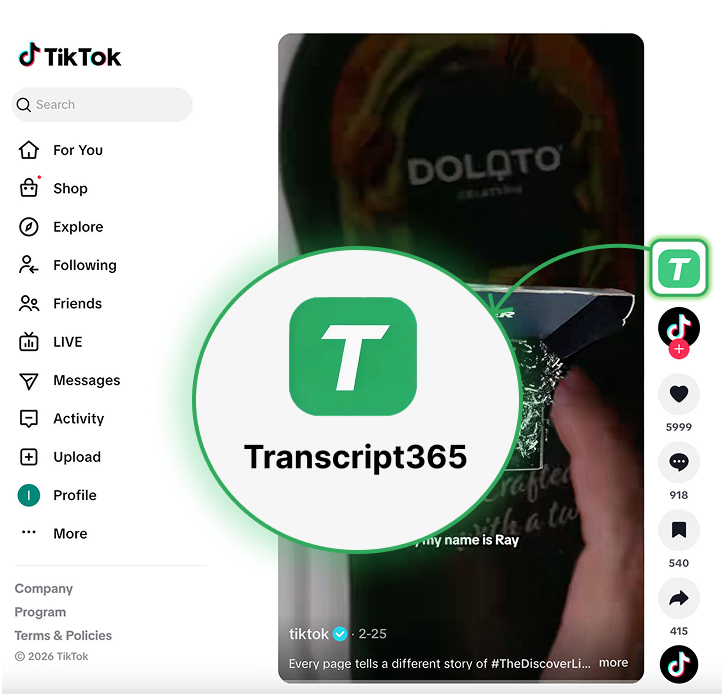
Generate a Facebook Transcript in Seconds
Paste a public or authorized Facebook video URL, generate clean transcript text and export TXT, SRT or WebVTT when you need subtitle files.
No sign-up preview · Fast processing · TXT, SRT and WebVTT export