YouTube Transcript Generator
Generate clean transcripts from public YouTube videos, Shorts and youtu.be links you own or are authorized to process.
How to Get a YouTube Transcript
Turn speech from public YouTube videos into readable text and subtitle files for review, captions, notes and authorized workflows.
Paste a YouTube URL
Use a standard YouTube video link, a YouTube Shorts URL or a youtu.be short link that is public and authorized for processing.
Generate the Transcript
Transcript365 detects the spoken audio and creates readable transcript text, even when manual captions are unavailable.
Copy or Export the Result
Copy the text or export TXT, SRT and WebVTT files for captions, editing, review or documentation.
YouTube Transcript FAQ
Answers about converting YouTube videos to text and using Transcript365 responsibly.
Practical Uses for YouTube Transcripts
Use YouTube transcripts for captions, study notes, content review, documentation and authorized repurposing workflows.
🎬Creators and Editors
Create transcript text and subtitle files for YouTube videos or Shorts you own or are authorized to edit.
📊Educators and Students
Turn lectures, tutorials and explainers into readable notes for review, study and accessibility.
🔍Marketing and Content Teams
Convert approved YouTube videos into searchable notes, summaries and documentation for planning.
🎯Localization Teams
Export SRT or WebVTT files for caption editing, translation review and multilingual workflows.
Transcribe Videos from Other Platforms
Our AI-powered transcription works seamlessly with all major video platforms. Just paste a link and get accurate text in minutes.
Instagram Transcript
Transcribe Instagram Reels, posts, and IGTV videos
X (Twitter) Transcript
Transcribe X video to text with full accuracy
Facebook Transcript
Transcribe Facebook videos and live streams
RedNote (XiaoHongShu) Transcript
Transcribe RedNote (XiaoHongShu) videos and discover trending content
TikTok Transcript
Transcribe TikTok videos and live streams
More Coming Soon
We're adding more platforms to help you transcribe everywhere
Create Transcripts from Authorized Online Video Content
Use the browser extension to start a transcription workflow from supported public YouTube pages you are authorized to process.
 Install Chrome Extension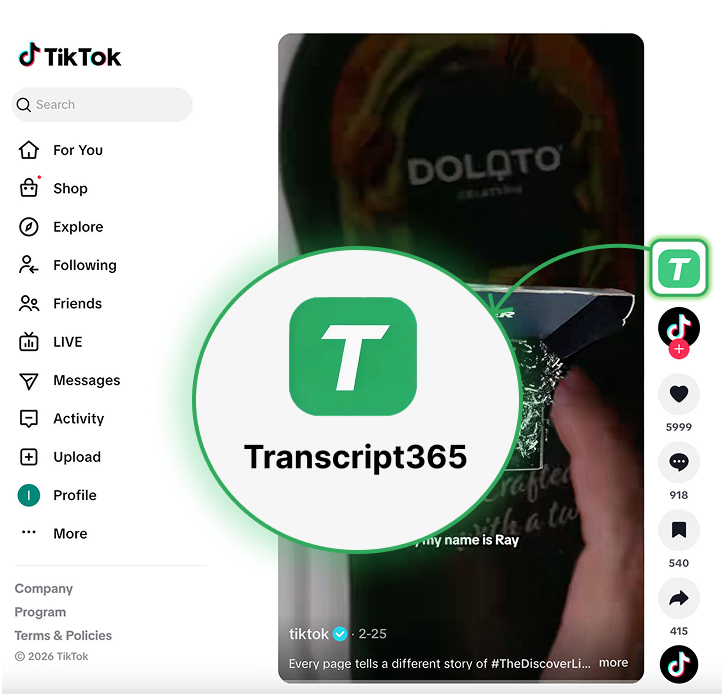
Generate YouTube Transcripts Responsibly
Paste a public YouTube URL you own or are authorized to process, then create clean transcript text or subtitle files in seconds.
YouTube videos, Shorts and youtu.be links · TXT, SRT and WebVTT · Responsible transcript workflow