Online Caption Translator
Generate and translate video captions from supported social URLs so more viewers can understand your content.
How to Translate Video Captions
Caption translation starts with the viewer experience: turn video speech into captions, translate them, and prepare output that can help audiences follow the content.
Paste a Video URL
Add a supported platform link or directly accessible video/audio URL. Transcript365 can start from the public URL instead of asking you to download the media or manually copy captions.
Generate Captions and Translate
Create caption-ready text from the video speech, choose the target language and translate the captions. This keeps the workflow focused on people who need to watch, understand or localize the video.
Export Caption Results
Copy the translated captions or export TXT, SRT and VTT. Use the output for social captions, web captions, review drafts, accessibility checks and localization handoff.
Transcript365 vs Manual Caption Translation
Caption translation is different from translating a document. The output should help viewers follow video content, often on social platforms or web players.
| Caption Need | Transcript365⭐ | Manual Workflow | Why It Matters |
|---|---|---|---|
| Video-first input | Start with supported platform links or directly accessible video/audio URLs. | Find captions, copy text or create a transcript somewhere else first. | Caption users usually think from the video, not from a document. |
| Viewer-focused output | Generate caption-ready text and translate it for watching and localization. | Translate plain text, then decide how to turn it into captions later. | Captions need to make sense while the video plays. |
| Less tool switching | Generation, translation and export stay in one workflow. | Move between video page, transcript tool, AI chat and subtitle editor. | Fewer switches reduce formatting cleanup and lost context. |
| Export choices | Copy text or export TXT, SRT and VTT. | Manually rebuild caption files after translation. | Different teams need different caption outputs. |
| Platform coverage | Built around major social video sources and directly accessible media URLs. | Often starts only after you already have caption text. | URL support helps creators and teams handle real social content faster. |
Caption Translation Use Cases
Use caption translation when the goal is helping viewers understand video content across languages.
🎬Translate Social Media Captions
Create translated caption drafts for TikTok, Instagram, RedNote, X and Facebook videos before republishing, reviewing or localizing social content.
📊Help Global Viewers Follow Videos
Translate captions for tutorials, explainers, product demos and interviews so viewers can understand the spoken content while watching.
🔍Prepare Accessibility and Review Drafts
Use translated caption text to support accessibility review, internal approval, language QA and editor handoff before final publishing.
🎯Create Captions for Web and Learning Platforms
Export VTT or SRT after translation so captions can be reviewed and added to websites, course videos, training libraries and content hubs.
Caption Translator: Frequently Asked Questions
Answers about translating captions from supported platform links, accessible video/audio URLs, viewer-focused use cases and export options.
Translate Captions from Supported Video Sources
Create translated captions from supported platform links or directly accessible video/audio URLs your viewers and teams already use.
TikTok Caption Translator
Translate TikTok captions for global short-form video audiences.
Instagram Caption Translator
Translate Instagram Reels captions for viewers, review and localization.
RedNote Caption Translator
Translate RedNote captions and spoken content for cross-border understanding.
YouTube Caption Translator
Translate YouTube video and Shorts captions for learning and global reach.
X Caption Translator
Translate X video captions for monitoring, reporting and content review.
Facebook Caption Translator
Translate Facebook video captions for community and team workflows.
Move from Social Video to Translated Captions
Use the Transcript365 browser extension to start from supported social media video pages and send links into caption generation and translation workflows.
 Install Chrome Extension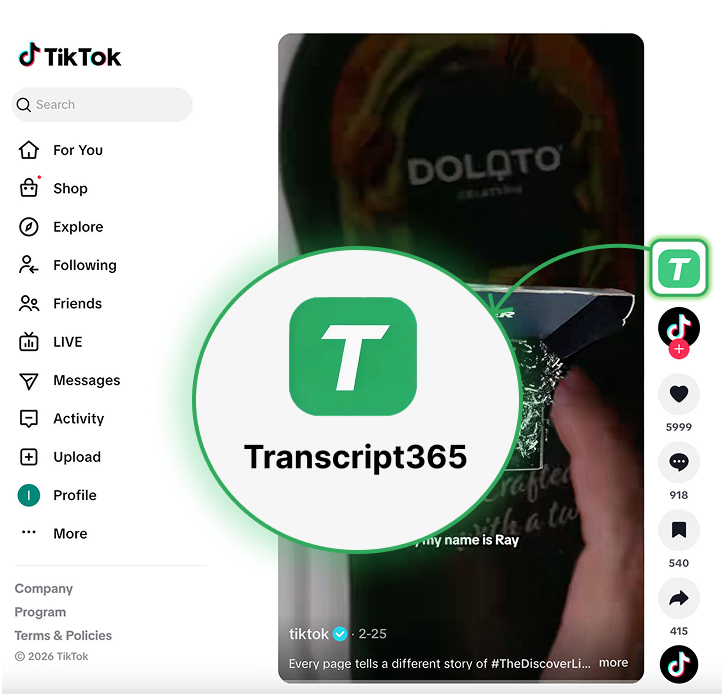
Translate Captions from Your Next Video URL
TikTok • Instagram • RedNote • YouTube • X • Facebook