Online Subtitle Translator
Translate video subtitles from a URL, keep the result subtitle-ready, and download SRT, VTT or TXT for editing, review and publishing.
How to Translate Subtitles from a Video URL
Transcript365 is built for subtitle translation workflows that start from a video link. Generate subtitle-ready text, translate it, then export files that can move into editing, review or publishing.
Paste a Video URL
Copy a supported social video link or a directly accessible video/audio URL and paste it into Transcript365. You do not need to download the video, search for existing captions or prepare an SRT file before starting.
Generate and Translate Subtitles
Transcript365 turns the spoken content into subtitle-ready lines, then lets you choose a target language and translate them directly. The workflow is focused on subtitles, line review and timed export formats.
Export SRT, VTT or TXT
Download translated subtitles as SRT for video editors, VTT for web video and learning platforms, or TXT when you need a plain review copy before publishing.
Transcript365 vs Manual Subtitle Translation
Manual subtitle translation often means extracting text, translating it elsewhere, fixing broken lines and rebuilding subtitle files. Transcript365 keeps the workflow centered on video subtitles from the start.
| Subtitle Task | Transcript365⭐ | Manual Workflow | Why It Matters |
|---|---|---|---|
| Starting point | Paste a social video URL or a direct media link and start a subtitle-focused workflow. | Download the video, look for captions, or create subtitle text with another tool. | Many users who need subtitle translation do not already have a clean SRT or VTT file. |
| Subtitle creation | Generate subtitle-ready text from the video before translating. | Use separate transcription, caption extraction and translation steps. | One workflow reduces missing lines, duplicated cleanup and tool switching. |
| Timing and line structure | Designed around SRT and VTT-style subtitle workflows. | Timestamps, cue order or line breaks may be lost when text is pasted into a general tool. | Timing and readable subtitle lines are what separate subtitle translation from plain text translation. |
| Export files | Export translated subtitles as SRT, VTT or TXT. | Clean the translated output and rebuild subtitle files manually. | Export-ready files make the result practical for editors, course platforms and publishing. |
| Review workflow | Keep subtitle generation, translation and export in one workflow. | Compare the source video, translated text and subtitle file across multiple tools. | Reviewers can spend more time checking meaning, readability and timing. |
Subtitle Translation Use Cases
Use subtitle translation when the output needs to stay connected to a video timeline and be exported for review, editing or publishing.
🎬Create Multilingual Video Subtitles
Translate subtitles for tutorials, lectures, interviews, demos and creator videos so viewers can follow the video in another language.
📊Localize Social Video Clips
Generate and translate subtitle drafts from TikTok, Instagram, RedNote, X and Facebook clips before editing or republishing localized versions.
🔍Prepare SRT Files for Editors
Export translated SRT files for editors who need a timed subtitle draft instead of plain translated paragraphs.
🎯Publish Web Captions with VTT
Export VTT files for websites, learning platforms and HTML5 video players after reviewing translated wording, timing and line length.
Subtitle Translator: Frequently Asked Questions
Answers about translating subtitles from supported video URLs, direct media links, SRT and VTT exports, timing and subtitle review workflows.
Translate Subtitles from Supported Video Sources
Generate and translate subtitle-ready text from supported platform links or directly accessible video/audio URLs, then export files for review, editing or publishing.
TikTok Subtitle Translator
Translate TikTok subtitles and export subtitle drafts for short-form videos.
Instagram Subtitle Translator
Translate Instagram Reels subtitles for multilingual social video publishing.
RedNote Subtitle Translator
Translate RedNote subtitle drafts for product, lifestyle and research videos.
YouTube Subtitle Translator
Translate YouTube video and Shorts subtitles into exportable SRT or VTT.
X Subtitle Translator
Translate X video subtitles for monitoring, reporting and content review.
Facebook Subtitle Translator
Translate Facebook video subtitles for community, archive and team workflows.
Start Subtitle Translation from the Video Page
Use the Transcript365 browser extension to move supported social media video pages into subtitle generation, translation and export faster.
 Install Chrome Extension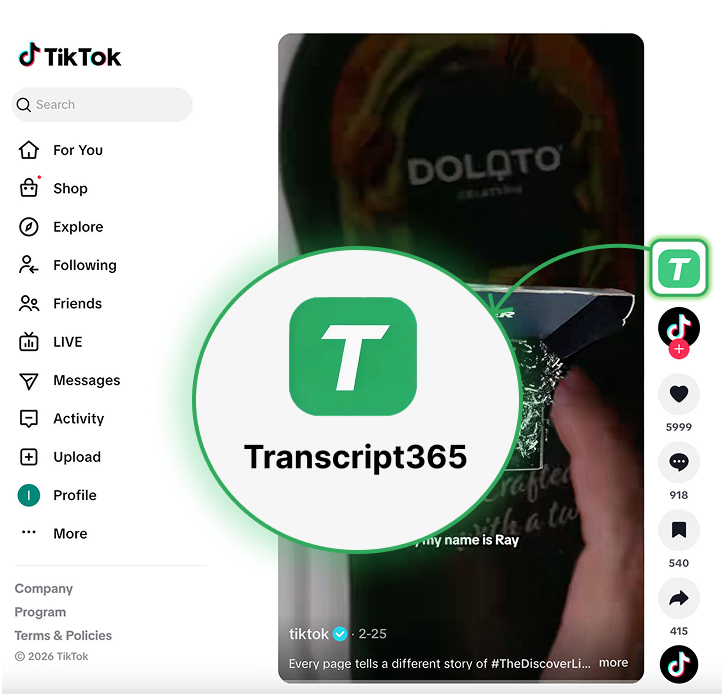
Translate Subtitles from a Video URL
Generate subtitles • Translate into 189 languages • Export SRT, VTT or TXT